Fire TV Stick 4K vs Roku Streaming Stick 4K vs Google TV Streamer vs Apple TV 4K
By EmbroidHub Editorial Team · Updated · How we compare
As an Amazon Associate, EmbroidHub earns from qualifying purchases. Prices and availability are accurate as of the date shown and are subject to change.
A streaming device turns any TV into a smart TV, or replaces a slow built-in system. All four of these play Netflix, Prime Video, Disney+, Max, YouTube and the other big apps in 4K. The real differences are the menus, the voice assistant and how well they fit the rest of your devices.
Quick picks
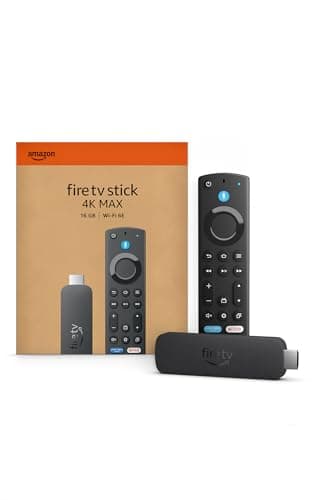
- Prime Video and Alexa homes: Amazon Fire TV Stick 4KCheck price on Amazon
- The simplest, most neutral menus: Roku Streaming Stick 4KCheck price on Amazon
- Recommendations and Google homes: Google TV StreamerCheck price on Amazon
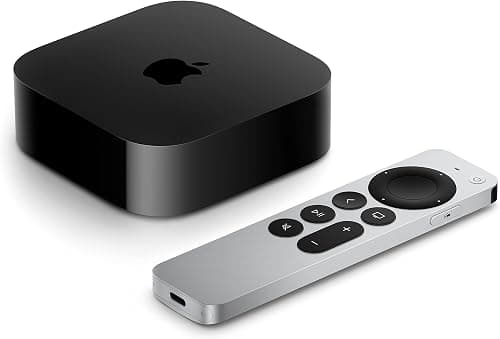
- iPhone users and the best performance: Apple TV 4KCheck price on Amazon
Side-by-side comparison
| Product | Best for | Price tier | Max resolution | Dolby Vision | Voice assistant | Form factor | Buy |
|---|---|---|---|---|---|---|---|
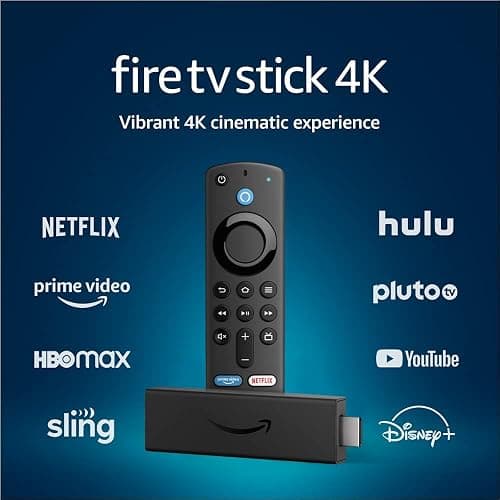
| Amazon Fire TV Stick 4K | Prime Video and Alexa homes | Budget | 4K HDR | Yes | Alexa | Stick | See on Amazon |
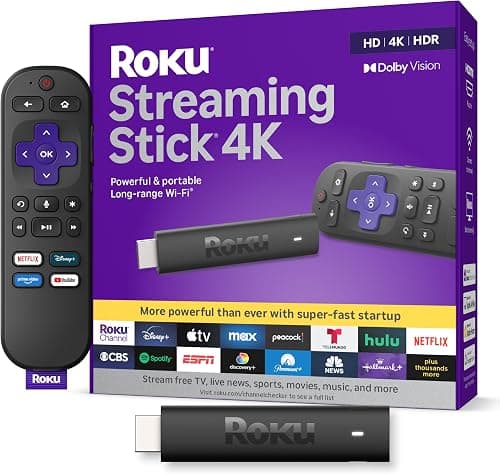
| Roku Streaming Stick 4K | The simplest, most neutral menus | Budget | 4K HDR | Yes | Roku voice | Stick | See on Amazon |
| Google TV Streamer | Recommendations and Google homes | Mid-range | 4K HDR | Yes | Google Assistant / Gemini | Box | See on Amazon |
| Apple TV 4K | iPhone users and the best performance | Premium | 4K HDR | Yes | Siri | Box | See on Amazon |
#1 · Prime Video and Alexa homes · Budget
Amazon Fire TV Stick 4K
Fast and inexpensive, with Wi-Fi 6, Dolby Vision, HDR10+ and Dolby Atmos. The Alexa Voice Remote controls your TV and smart home. Frequently one of the deepest discounts during Amazon sales.
What we like
- Low price, frequent deals
- All major HDR formats
- Alexa built into the remote
Keep in mind
- Home screen pushes Amazon content and ads
- Max resolution
- 4K HDR
- Dolby Vision
- Yes
- Voice assistant
- Alexa
- Form factor
- Stick
#2 · The simplest, most neutral menus · Budget
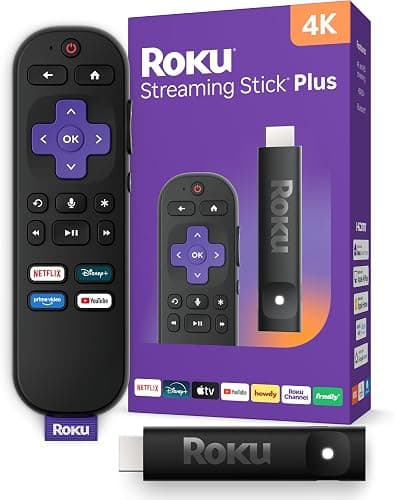
Roku Streaming Stick 4K
Roku's menu is a simple grid of apps that does not favor any one service, which makes it the easiest for parents and grandparents. Long-range Wi-Fi helps when the router is far from the TV.
What we like
- Simplest interface
- Neutral, not tied to one ecosystem
- Free live TV channels
Keep in mind
- Voice search is more basic
- Fewer smart home features
- Max resolution
- 4K HDR
- Dolby Vision
- Yes
- Voice assistant
- Roku voice
- Form factor
- Stick
#3 · Recommendations and Google homes · Mid-range
Google TV Streamer
Google's set-top box has the best personalized recommendations across apps, Google Assistant, an Ethernet port and a built-in smart home hub for Matter and Thread devices.
What we like
- Great recommendations
- Ethernet port
- Smart home hub built in
Keep in mind
- Costs more than sticks
- Box needs a spot near the TV
- Max resolution
- 4K HDR
- Dolby Vision
- Yes
- Voice assistant
- Google Assistant / Gemini
- Form factor
- Box
#4 · iPhone users and the best performance · Premium
Apple TV 4K
The fastest, smoothest streamer, with no ads on the home screen, great picture quality and tight iPhone integration (AirPlay, FaceTime on the TV, Apple Fitness+). Also a HomeKit hub.
What we like
- Fastest and smoothest
- No home screen ads
- Best with iPhone
Keep in mind
- Most expensive
- Max resolution
- 4K HDR
- Dolby Vision
- Yes
- Voice assistant
- Siri
- Form factor
- Box
Stick or box?
Sticks plug straight into an HDMI port and hide behind the TV. Boxes cost more but are usually faster and add an Ethernet port, which helps if your Wi-Fi is weak where the TV is.
Our verdict
For most people on a budget, the Fire TV Stick 4K is the best value, especially on sale. Roku is the easiest to use, Google TV Streamer gives the best recommendations, and Apple TV 4K is the premium pick for iPhone households.
Frequently asked questions
Do I need a 4K TV for a 4K streaming stick?
No. A 4K stick works on any TV with an HDMI port; it just plays in HD on an HD TV, and you are ready if you upgrade later.
Is there a monthly fee for Fire TV or Roku?
No. The device has no subscription. You only pay for the streaming services you choose, and both offer free channels too.
Which streaming device is best for older relatives?
Roku, thanks to its simple grid of apps and straightforward remote.
Specs and features come from the manufacturers and can change between versions. Prices change often on Amazon, so check the current price and the exact model before you buy.